PDM · Engineering data management
Autodesk® Vault™ implementation in Mexico and LATAM
Revision control, engineering changes and traceability for your design team, with the CAD tool you already use, and without the complexity of a system built for giants.
5 countries
High-complexity projects in Chile, Argentina, Peru, Colombia and Mexico, working for Autodesk on robust data management solutions, mainly Vault.
40 users
In a real case: 10 in engineering and 30 in sales, marketing, warehouse and the manufacturing floor, on a single system.
Any CAD
Vault is CAD-independent: it works with Inventor, AutoCAD, SOLIDWORKS, PTC Creo and others.
Scope
Vault, tailored to your company
What it is, who it is for and what the service includes.
Experience
AxonID's experience
At AxonID we have worked for Autodesk in LATAM implementing robust engineering data management solutions, mainly Vault, on highly complex projects with an advanced level of consulting. We know the product from the implementation side and we know what makes a team adopt it or abandon it.
- Projects across Latin America: Chile, Argentina, Peru, Colombia and Mexico.
- Highly complex implementations, with consulting from assessment through adoption.
- Experience working for Autodesk in LATAM.
Profile
Which companies is Vault for?
Mid-sized manufacturers that design with Autodesk® Inventor®, SOLIDWORKS®, PTC® Creo® or other CAD systems and still share files by email, USB or network folders. If your team recognizes itself in any of these points, Vault is the most direct way to get organized:
- Time is lost looking for the right version of a file.
- An engineering change reaches the plant late.
- Sales, warehouse or production need current information without asking engineering for it.
Service
What is included
- Assessment of how you work today.
- Installation and configuration.
- Migration of your existing files.
- Approval workflows and change control.
- Customization to your process.
- Team training and support.
Comparison
Vault or Teamcenter?
Teamcenter® is a solid platform, built for large automotive and aerospace companies with IT teams and long projects. Vault solves the same core problem with a shorter learning curve, a faster implementation and a substantially lower cost. For a mid-sized company, that difference often decides whether the system gets adopted or stays an unfinished project.
Real case
One system, 40 users
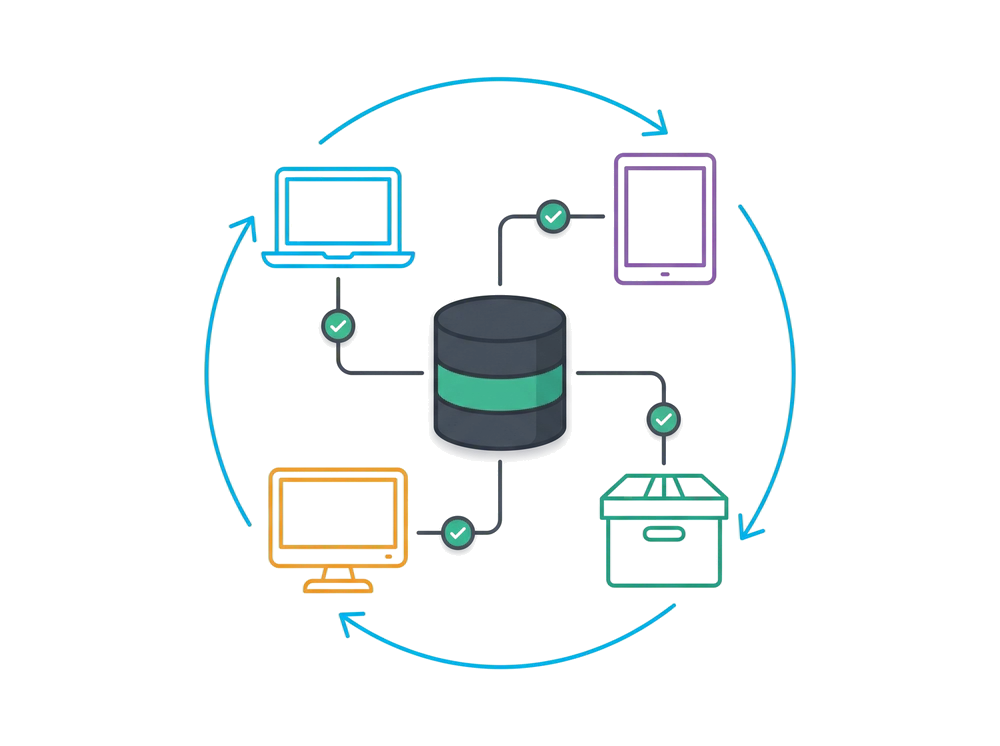
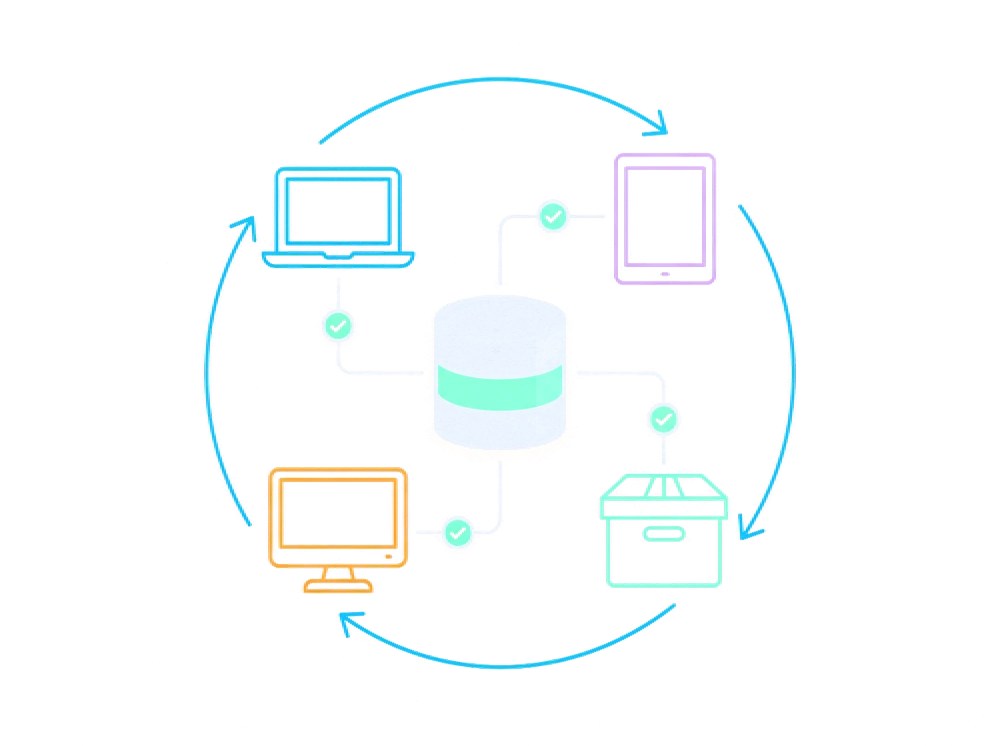
A manufacturer works with 40 users on Vault: 10 in engineering and 30 in sales, marketing, warehouse and the manufacturing floor. The whole design and release cycle runs on a single system.
Engineering
Design and release
Engineering users design, review and release drawings and models with revision control and approval workflows.
Commercial
Sales and marketing
They look up current product information without asking the engineering department.
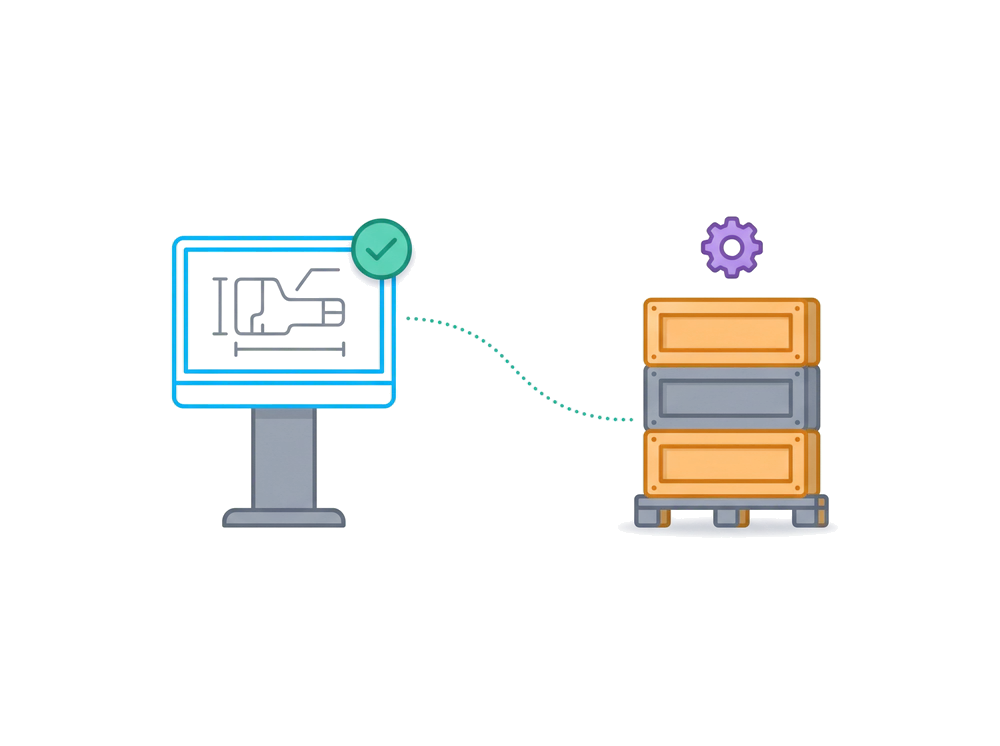
Operations
Warehouse and manufacturing floor
They work from the released version, not from loose copies.
Process
How we work
A small start, with a pilot team, so the system gets adopted and doesn't stall halfway.
 01
Assessment
We talk and review how your information flows today.
 02
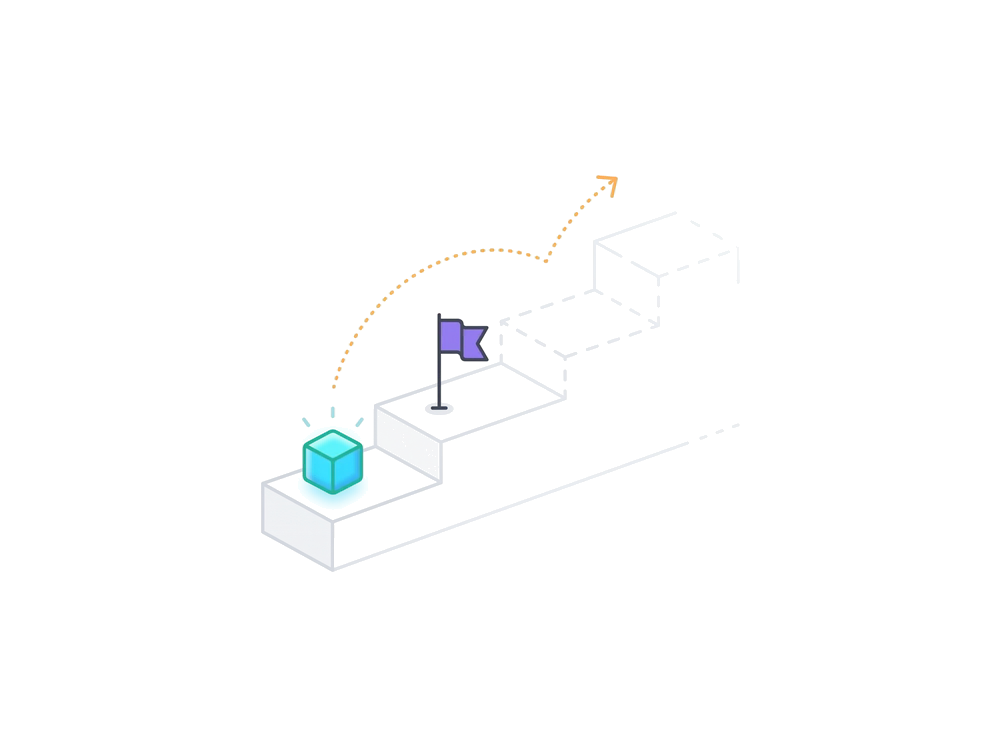
Pilot launch
We define a small start, with a pilot team.
 03
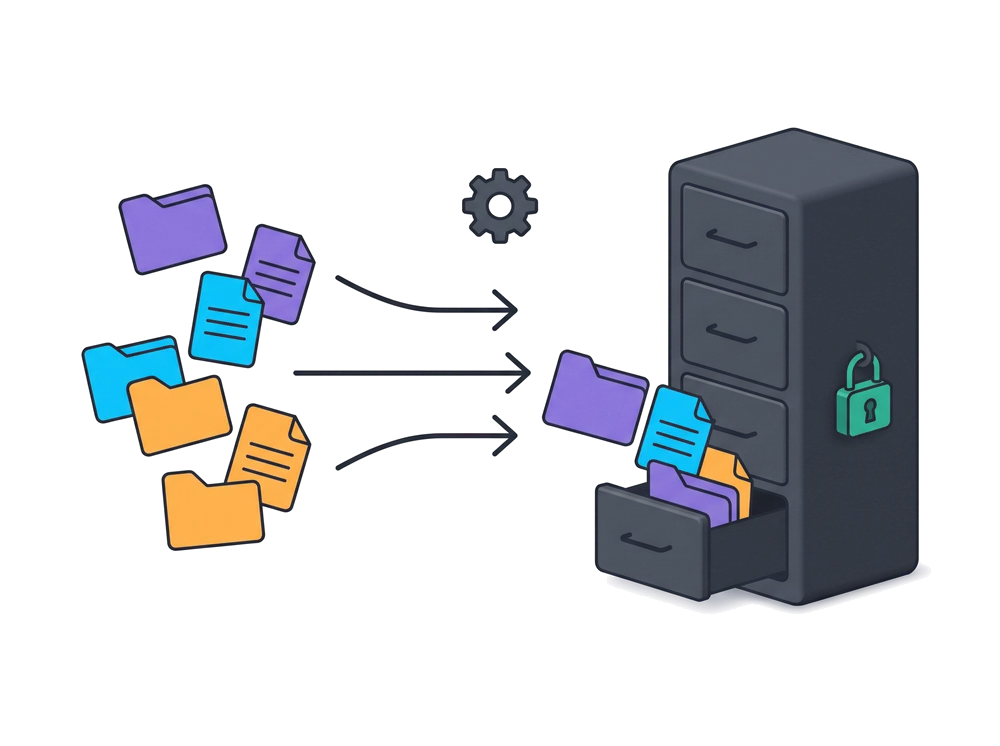
Implementation
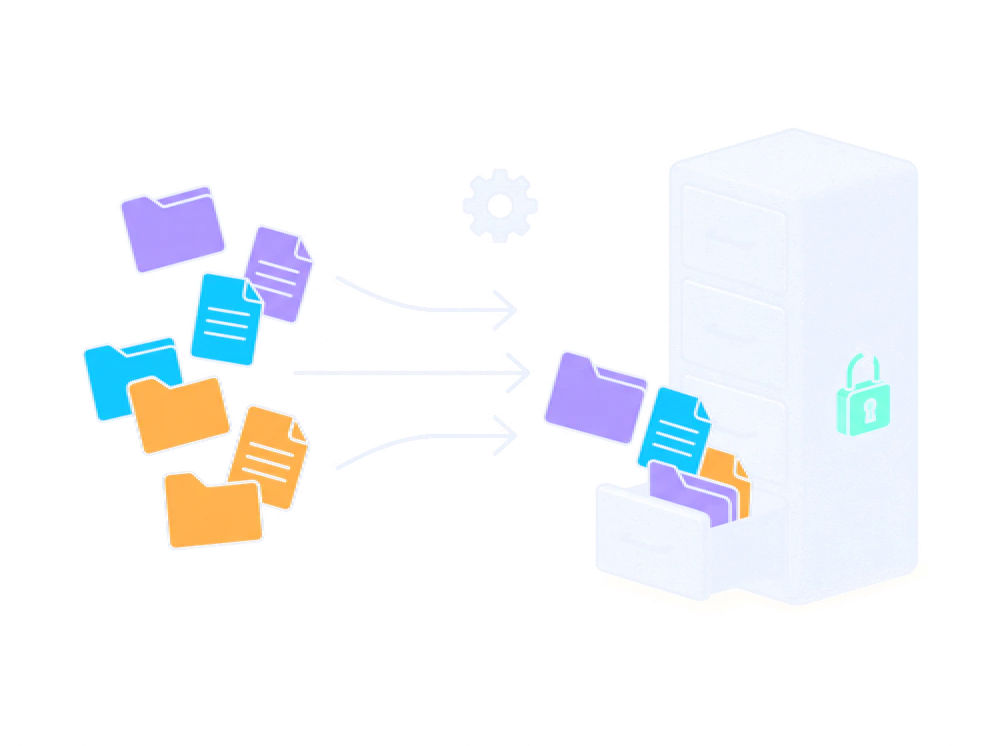
We install, configure and migrate your files.
 04
Adoption
We train and support the team until it becomes a habit.


Related
Keep exploring
See the full picture of PDM / PLM and the digital factory.
Frequently asked questions
What people ask us most
Does my company need Vault?
If your company has two or more engineers who design or manufacture components, the answer is yes.
My company is in retail or finance. Do I need a data management system like Vault?
You need a document manager, but it is not Vault. Vault is built for productive engineering areas that need control and iteration over the bills of materials and components they design. For other areas, Microsoft Office and Teams are usually enough.
Do I need a large engineering department to start with Vault?
No. If your company has the Autodesk Product Design & Manufacturing Collection, you already have a Vault Basic license included and everything you need to get it running today. If your team has two or more engineers using Inventor or AutoCAD, you already need Vault, because information management starts with collaboration and order among teams. We recommend starting with Vault Basic before paying for a Vault Professional license.
Is a full implementation process necessary if there are only two or three of us?
It is not strictly necessary, but it is worth planning before you integrate. AxonID offers free guidance that can help you start your own implementation tomorrow and, if you need it, we can assist you according to your needs to help you reach your goals. Message us on WhatsApp and tell us how many of you there are and which CAD you use.
Ask for guidance on WhatsAppHow long does it take to implement Vault?
It depends on the size of the team and how many files must be migrated. A start with a pilot team is measured in weeks, not months.
Which design tools does it work with?
With whichever you use. Vault is CAD-independent: it controls revisions, changes and traceability of Inventor, AutoCAD®, SOLIDWORKS, PTC Creo and other files. With Inventor and AutoCAD it integrates natively, directly from the program. With other CAD systems we define it in the assessment, so your team keeps working as it does today and gains control.
What happens to the files I already have?
They are migrated and organized, with their revision history when it exists.
My company already uses Microsoft Teams and SharePoint. Can it integrate with Vault?
The short answer is yes, but the details matter. Your company should have a single solution that integrates and manages engineering data. Vault manages engineering documents, which are files that typically only engineering uses. The rest of the information can live in another repository.
I already have a data management system. Can I integrate Vault?
Yes, but it has to be planned. Two management systems cannot coexist at the same time: there must be a single source of truth. The migration is done gradually.
Is it hard to implement a data management system like Vault?
No. What is hard is changing habits and building collaboration across areas. Tools and technology strengthen processes, but correcting and improving them is a daily habit.
Is it expensive to implement a data management system like Vault?
What is expensive is continuing to issue bills of materials that bear no relation to what is built on the shop floor, or spending three months a year looking for information you already have and must reconcile every time there is a change. Investing in a system that organizes information is the first step toward a managed operation, with the potential to be analyzed with statistical data and artificial intelligence, which translates into fast productivity improvements.
Does Vault integrate with my ERP?
Yes. It can be connected to the ERP so released parts, part numbers and the bill of materials travel without re-entry. We design it during the assessment according to your system.
What does a PLM do beyond PDM?
As the company grows, Autodesk Fusion Manage™ can be added for lifecycles, approvals and reporting. It is designed to work together with Vault.
Can I invite customers or suppliers to approve drawings without giving them access to my network?
Yes, with participant licenses in Fusion Manage.
Can I know what it really costs to make a part?
Yes, by separating the engineering bill of materials from the manufacturing one and connecting it to the ERP.
When is another system, such as Teamcenter, a better fit?
When the company is very large or the project requires a full lifecycle platform. We will tell you honestly if that is your case.
Tell us how your team works today
Share how many users you have, which CAD they use and how they handle files today. We will propose a start tailored to you.